
Core Orchestration
Sible provides a robust execution layer for Ansible playbooks, focusing on performance, parallelization, and real-time visibility.
Asynchronous Log Streaming
Real-time execution visibility is facilitated via a low-latency WebSocket implementation. Sible streams Ansible subprocess output directly to the UI, ensuring immediate operational feedback and eliminating the overhead associated with traditional log polling.
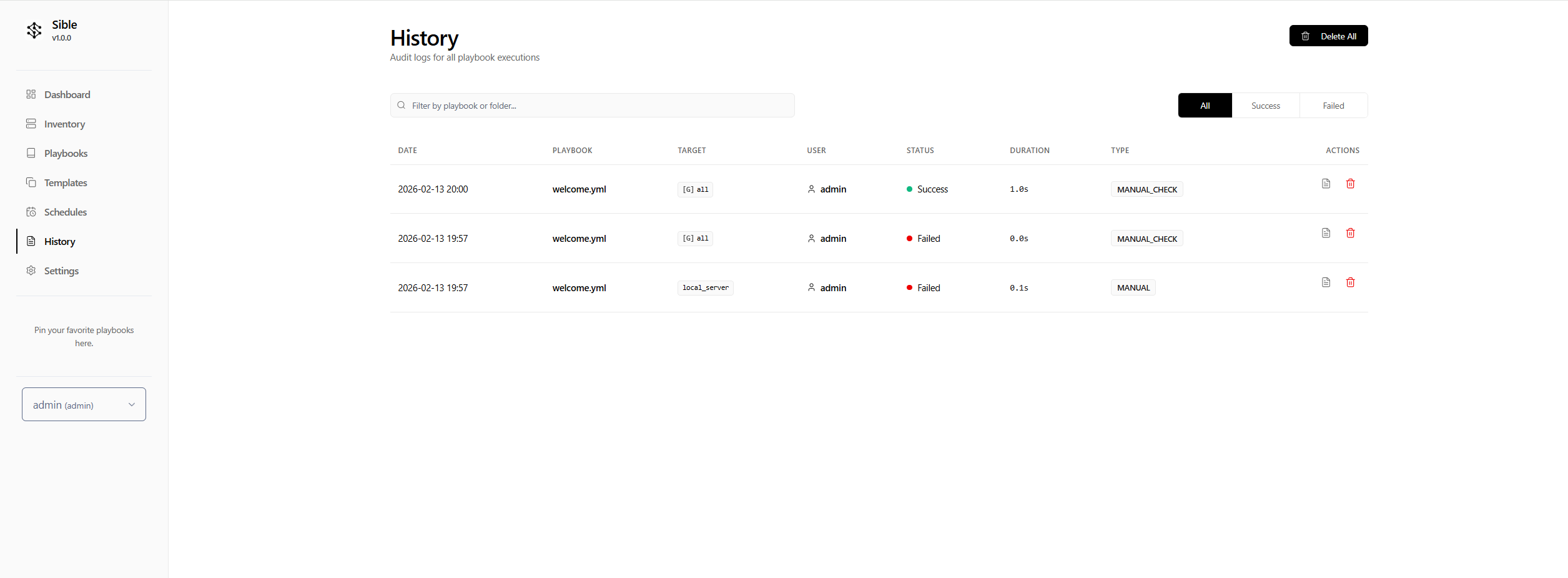
Native Subprocess Management
Sible orchestrates Ansible through a controlled subprocess layer, ensuring full compatibility with the existing Ansible ecosystem. It dynamically manages environment variables, inventory paths, and vaulted credentials to maintain a seamless bridge between the FastAPI backend and the Ansible engine.
Multi-Node Targeting
Sible supports parallel execution across distributed infrastructure. Playbooks can be targeted against specific servers, arbitrary host ranges, or predefined inventory groups simultaneously, enabling rapid deployment and configuration management across global environments.
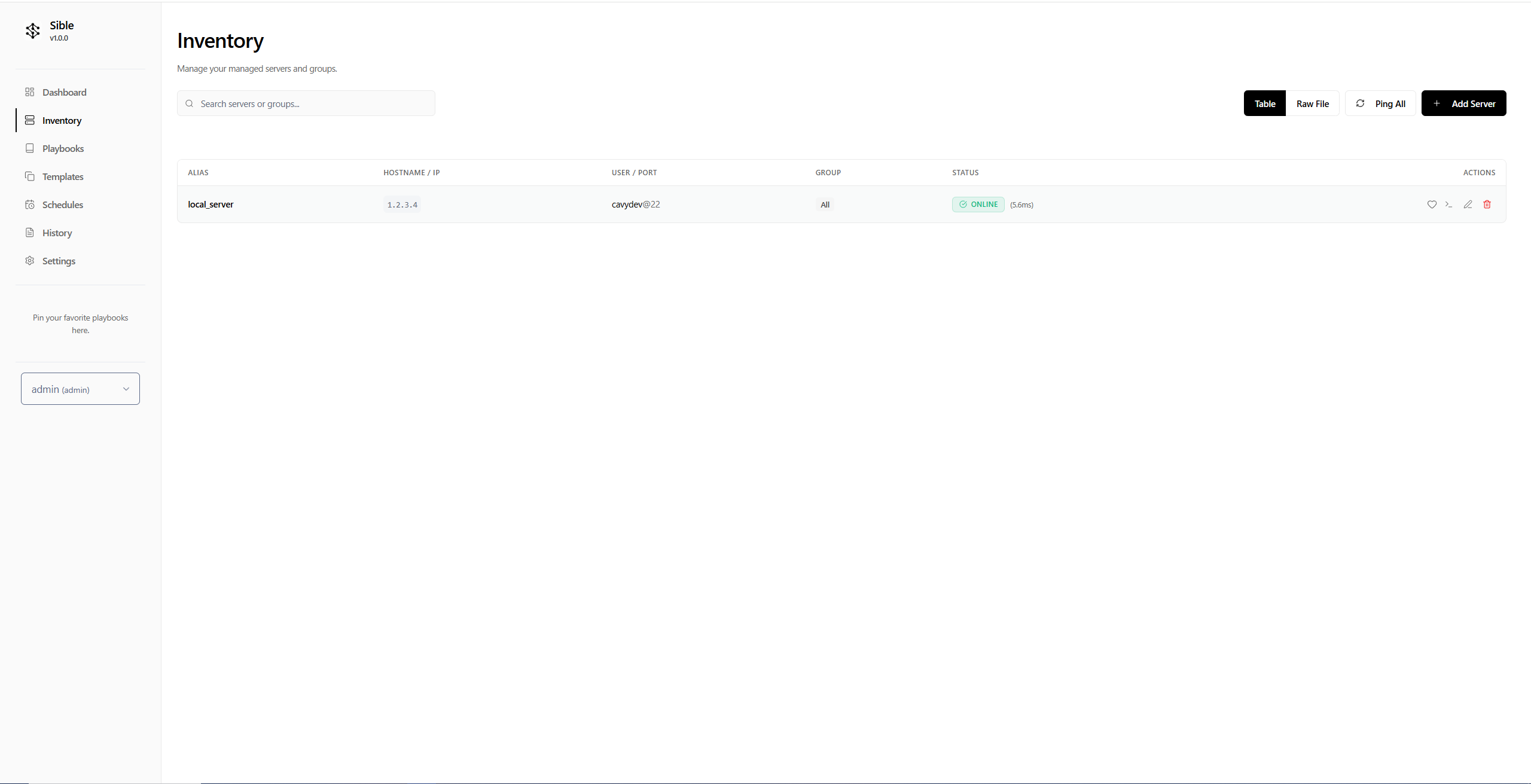
SSH Connection Lifecycle Management
The engine provides granular control over the SSH lifecycle for remote targets. This includes support for custom SSH ports, specific user configurations, and managed key-based authentication, allowing for flexible connectivity across heterogeneous network environments.
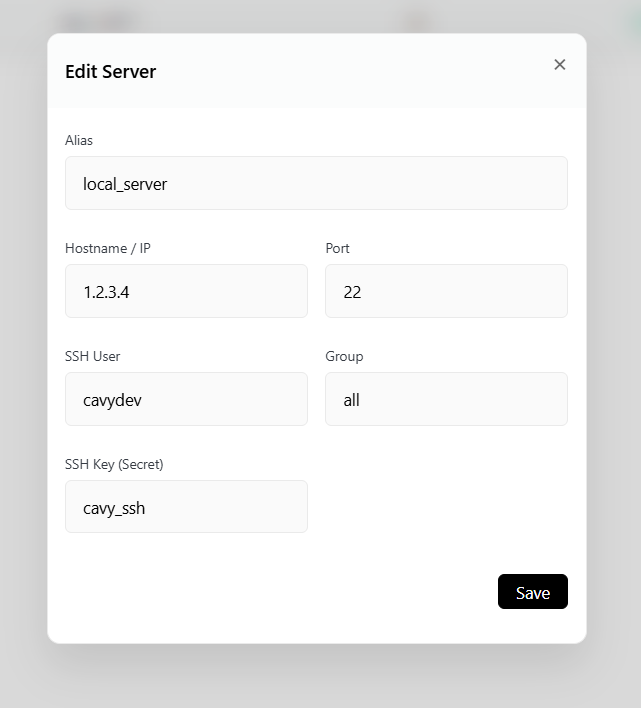
Favoriting Servers
Critical infrastructure can be marked as a favorite for quick monitoring.
- In the Inventory table, locate the target server.
- Click the Star icon in the actions column.
- Favorited servers are highlighted and may appear in dashboard widgets for quicker status visibility.
Interactive Web Terminal
Sible features a built-in, WebSocket-based SSH terminal that allows operators to connect directly to any inventory host from the browser.
- Secure Access: Uses the credentials stored in Sible's vault (keys or passwords) without exposing them to the client.
- RBAC Protected: Only users with Admin or Operator roles can initiate terminal sessions.
- Convenience: Perfect for ad-hoc debugging or quick manual interventions without leaving the Sible interface.
File-Based Inventory Sync (GitOps)
Sible supports a bidirectional synchronization workflow for inventory management.
- Database First: Changes made in the UI (adding servers, updating ports) are automatically written to the physical
hosts.inifile. - File First: If you edit the
hosts.inifile directly (e.g., via a Git pull), you can sync these changes back to the Sible database using the Save & Import Raw File function in the Inventory settings. This enables GitOps workflows where infrastructure is defined in code but managed via Sible.
Automated Linting
To ensure code quality, Sible integrates ansible-lint. Every time you save a playbook in the editor, Sible runs a background linting process and highlights potential errors or best-practice violations directly in the UI, helping you write more robust and standard-compliant automation.
Infrastructure Volume Strategy
To ensure persistence and portability, Sible utilizes a dedicated Infrastructure Volume strategy. By mounting /app/infrastructure, the system enforces a strict separation between application logic and user-defined playbooks, roles, and inventories, facilitating streamlined backups and multi-environment consistency.
Dependency Management (Ansible Galaxy)
Sible automatically detects and installs dependencies for your playbooks. If a requirements.yml (or .yaml) file is found in the directory containing your playbook, Sible will provide an option to install the required roles and collections via Ansible Galaxy directly from the UI.